You are using an unsupported browser. Please update your browser to the latest version on or before July 31, 2020.
close
You are viewing the article in preview mode. It is not live at the moment.
> Arxspan > 用户指南 > 实验笔记本 > 浏览实验笔记本列表
浏览实验笔记本列表
print icon

用户有两种方法可以在系统中查看笔记本列表。


1.   从标题栏


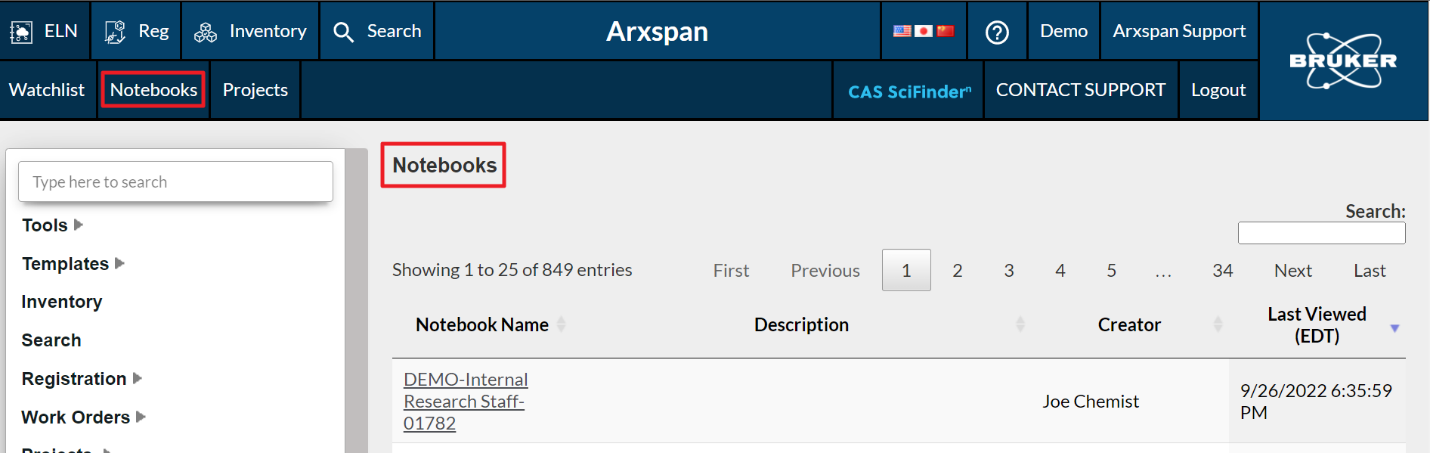
单击标题栏中的笔记本按钮将显示用户可见的所有笔记本。此列表包括用户自己的笔记本和与用户共享的笔记本。
 

2.   从左侧导航栏


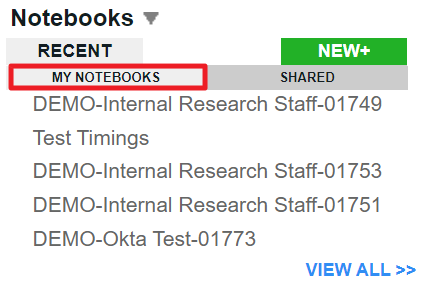
选择笔记本下的我的笔记本选项时,左侧导航栏上将显示用户自己的笔记本列表。


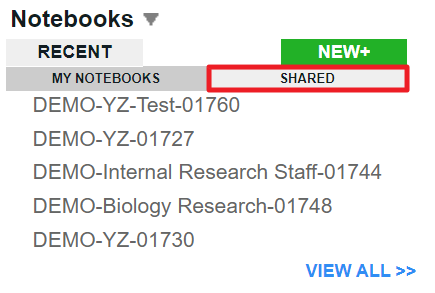
选择笔记本下的共享选项后,将显示与用户共享的笔记本列表。


反饋
0 / 0 覺得這很有幫助

滾動到頂部圖標