Rearranging Files order in the PDF
Last updated: Nov 13, 2026
3
views

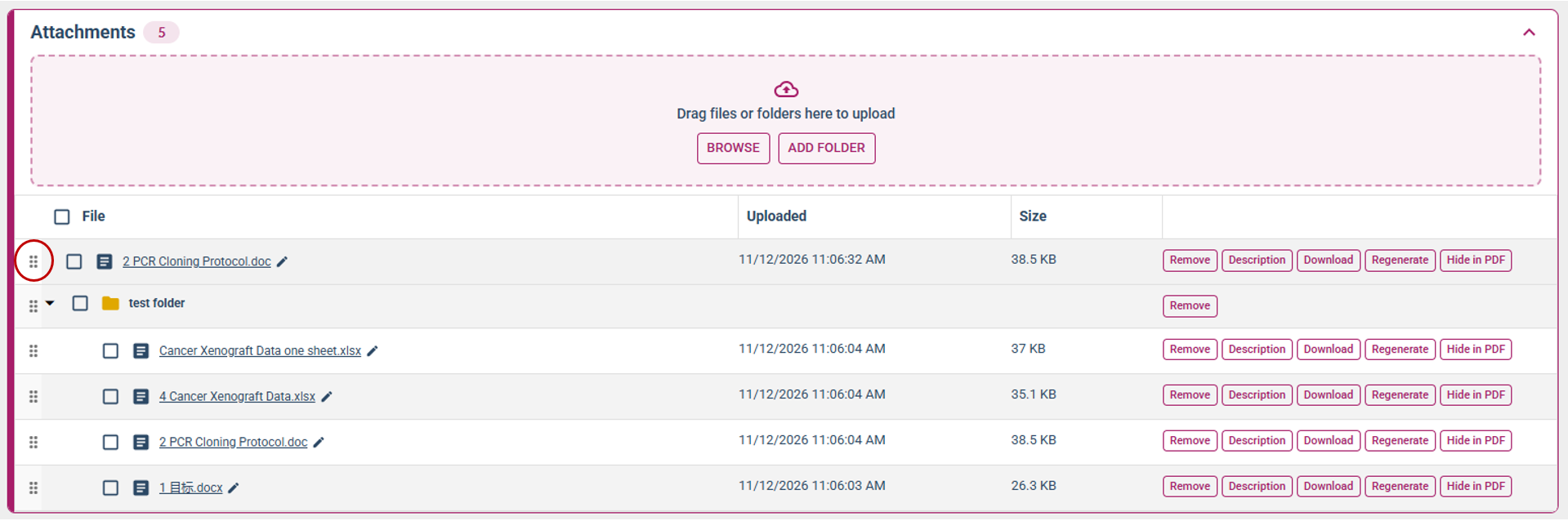
Changing the order of attachments in the final PDF can be done from the Attachment section within the experiment.
- Navigate to the attachment section.
- To reorganize attachments, click and hold the 6-dot icon, then drag the attachment to the spot you want. These changes will be saved, and when you sign and close the experiment, the final PDF will reflect the order you set.